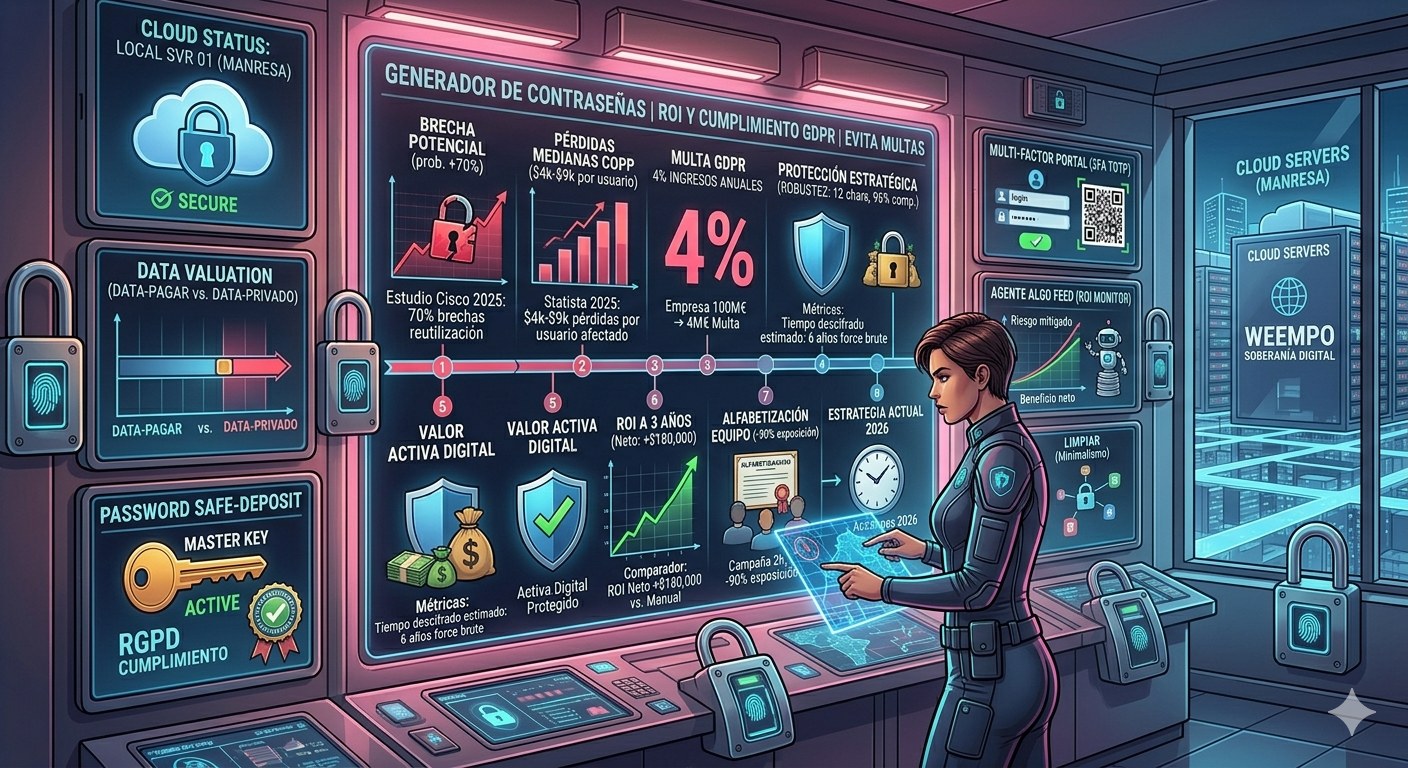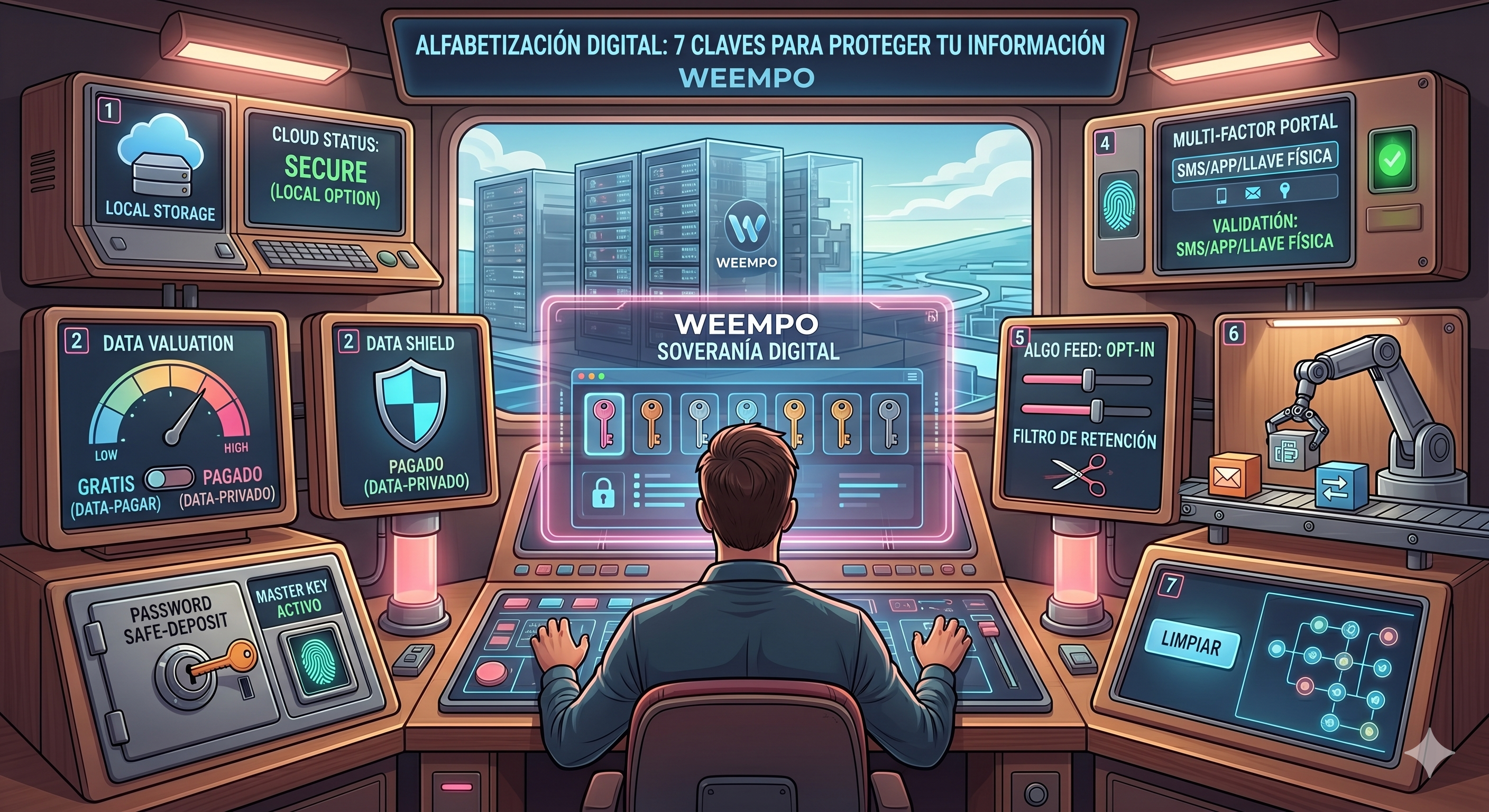
Digital literacy is the map that guides you in a world of data moving at light speed. If you don’t master it, the retention algorithm will engulf you and the cloud will become a prison. Having a smartphone isn’t enough: you need to understand the rules of the game to avoid paying too much and losing control.
1. The Cloud Doesn’t Exist: How to Avoid the Trap
When someone tells you “what you upload to the cloud is always safe,” they’re selling a myth. The cloud is a remote server that, although robust, is the gateway to your data. If you don’t know where and how it’s stored, you could lose everything when the provider changes prices or shuts down services.
Real-life example: In 2025, a local craft store lost all its photos and catalogs when their hosting provider stopped operating without notice. The loss cost $3,000 in recovery time and lost clients.
To protect yourself:
- Identify your provider: make a list of the services you use (Google Drive, Dropbox, etc.). (5 minutes)
- Check the terms of service: search for clauses on cancellation and excess charges. (10 minutes)
- Download and save your files to a physical drive or your own server. (30 minutes)
- Apply the 70/30 rule: 70% of your data in the cloud, 30% local. (15 minutes)
- Review your provider’s policy annually and choose an alternative if you notice sudden changes. (1 hour)
2. If It’s Free, You’re the Asset: The True Cost of Free Services
“Free” sounds appealing, but in the digital world, the currency is your data. When a service offers itself for free, what you get are usage data and aggressive personalization that monetize your behavior.
According to Xelo Soriano, digital literacy involves understanding the architecture of these platforms to avoid being a victim of algorithmic retention.
To escape the cycle of free services:
- Evaluate the value you pay in terms of data: if you have 10 GB of photos, how many times do you view them? (15 minutes)
- Find low-cost alternatives or those with clear data policies. (20 minutes)
- Activate the “download and delete” option after use. (5 minutes)
- Use disk encoders to protect your information in case of loss. (30 minutes)
- Review your privacy policy every 6 months. (10 minutes)
3. Password Manager: The Key to Your Security
Google says an American has 27 online accounts that require a password. That’s equivalent to 270 characters you need to remember, which is impossible and very risky.
Password managers are applications that store your credentials in an encrypted database. You only remember one master password.
Steps to use one:
- Select a trusted manager: Bitwarden (free), LastPass (premium). (10 minutes)
- Install it and create your master password: 12-15 characters with a mix of symbols. (5 minutes)
- Import existing accounts. (15 minutes)
- Activate autocompletion to avoid copying-pasting. (5 minutes)
- Review and update every 3 months. (10 minutes)
4. Two-Factor Authentication Isn’t Optional: The Barrier of Entry
Two-factor authentication (2FA) adds an extra layer of protection. It’s like having a second lock on your front door.
Without 2FA, anyone with your password can log in. Even if your password manager is compromised, 2FA acts as the final shield.
Implement 2FA in 5 steps:
- In your account settings, find the “Security” option. (5 minutes)
- Activate 2FA and choose a method: app authenticator (Google Authenticator) or SMS message. (5 minutes)
- Register the QR code on your mobile device. (2 minutes)
- Safely store the backup code. (5 minutes)
- Test it by logging in from another browser. (5 minutes)
5. The Algorithm Is a Retention Tool: Not a Capturing One
Platforms offering “algorithms” for recommendation are designed to keep you engaged. The algorithm reads your behavior, predicts your needs, and presents content that prolongs your session.
To avoid being a victim of algorithmic retention:
- Disable recommendations based on browsing history. (5 minutes)
- Use browsers with incognito mode or privacy extensions (DuckDuckGo, Privacy Badger). (10 minutes)
- Limited your presence on social media to 30 minutes a day. (5 minutes)
- Review each app’s permissions and revoke unnecessary ones. (10 minutes)
- Plan daily tasks and complete them before using the algorithm. (15 minutes)
6. Automate or Die: The Productivity Rule
Automation isn’t a luxury; it’s the difference between doing 10 hours of work and adding 10 hours of value. The one who doesn’t automate loses competitiveness.
Tools like Zapier or IFTTT can connect your apps and perform repetitive tasks for you.
Quick steps to get started:
- Define a repetitive task (e.g., sending follow-up emails). (5 minutes)
- Find a “trigger” that activates it (a new message). (10 minutes)
- Define the action (send a template). (10 minutes)
- Test and debug. (10 minutes)
- Expand to other tasks. (15 minutes)
7. Digital Minimalism: Less Is More
The abundance of apps, notifications, and accounts creates noise that consumes time and energy. Adopting digital minimalism is cleaning up your digital environment and focusing resources on what really matters.
To implement:
- Eliminate unused applications (more than 30 minutes/month). (15 minutes)
- Consolidate accounts: combine redundant services (e.g., use Google Workspace instead of G Suite + Drive). (20 minutes)
- Disable unnecessary notifications. (5 minutes)
- Organize your files with clear labels and folders. (15 minutes)
- Review your ecosystem every 6 months. (10 minutes)
These 7 keys form the foundation of practical and sustainable digital literacy. They’re not just tips; they’re golden rules that, if followed, will help you avoid headaches, save money, and regain control over your data.
Are you lost in the cloud without knowing who holds the key?
While I write this, a small business lost all its inventory because it didn’t have 2FA and its password manager failed.
Do you feel like your time is gold or are you just letting the algorithm steal it?